
Fronius Inverters Shut Down and Restart
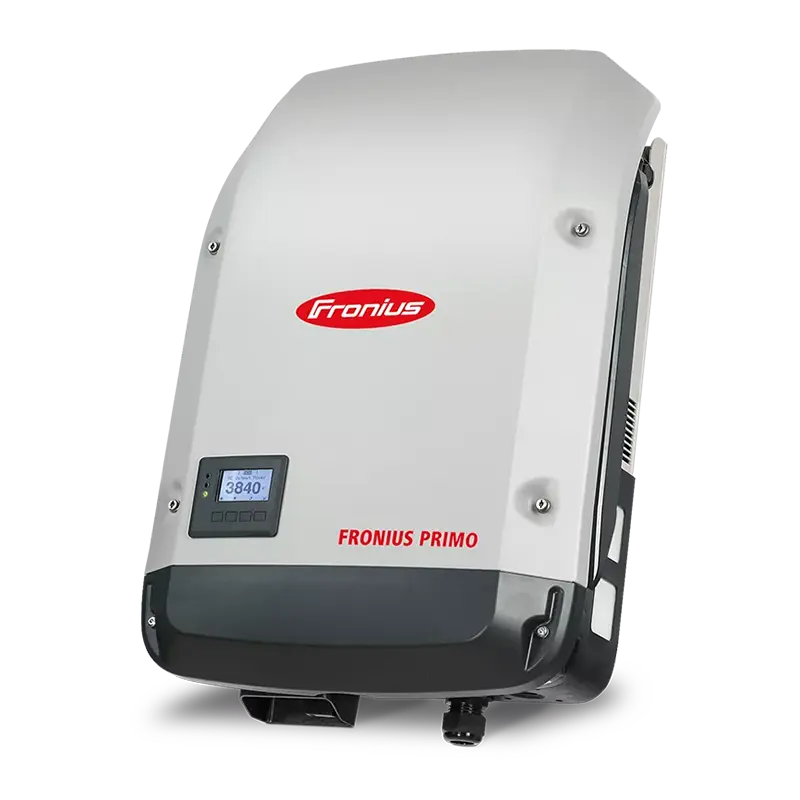
Fronius Primo/Symo Series
Before you start
- Make sure it is daylight, as the inverter needs solar input from the panels to power up.
- If your system includes a battery or backup unit, check that no backup functions are currently active.
- Do not restart the inverter during a lightning storm or if any components appear damaged.
1. Turn off the AC supply
Find the Solar Inverter Main Switch or AC isolator (usually located near the switchboard).
Switch it OFF.
2. Turn off the DC isolator(s)
The DC isolators are found next to or below the inverter and are typically labelled PV Array DC Isolator.
Switch them OFF.
3. Wait 5 minutes
Allow the inverter’s lights and display to fully power down.
4. Turn the DC isolator(s) ON
Switch the DC isolators back ON.
5. Turn the AC supply ON
Turn the Solar Inverter Main Switch or AC isolator back ON.
6. Allow the inverter to restart
The display should show normal startup screens, and the green power LED will illuminate once it begins generating.
If your model includes WiFi indicators, check for a solid blue WiFi light to confirm connection.
7. Check Solar.web monitoring
Open Solar.web and confirm that your system data is updating correctly.
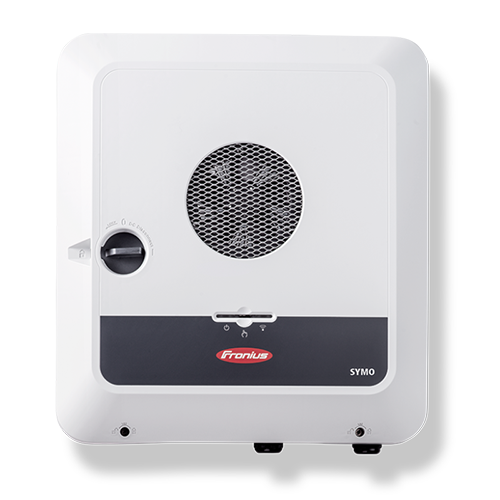
Fronius GEN24 and GEN24 Plus Series
Before you start
- Make sure it is daylight, as the inverter needs solar input from the panels to power up.
- If your system includes a battery or backup unit (such as a GEN24 Plus), check that no backup functions are currently active.
- Do not restart the inverter during a lightning storm or if any components appear damaged.
1. Turn off the AC supply
Find the Solar Inverter Main Switch or AC isolator (usually located near the switchboard).
Switch it OFF.
2. Turn off the DC isolator(s)
The DC isolators are found next to or below the inverter and are typically labelled PV Array DC Isolator.
Switch them OFF.
3. Wait 5 minutes
Allow the inverter’s lights and display to fully power down.
4. Turn the DC isolator(s) ON
Switch the DC isolators back ON.
5. Turn the AC supply ON
Turn the Solar Inverter Main Switch or AC isolator back ON.
6. Allow the inverter to restart
The LEDs will flash as the inverter starts up.
A solid green light means the inverter is running normally, and a solid blue light indicates a successful WiFi connection.
7. Check Solar.web monitoring
Open Solar.web and confirm that your system data is updating correctly.